Reducing Creation Barriers through Text Posts
A 5-day individual design challenge for TikTok China
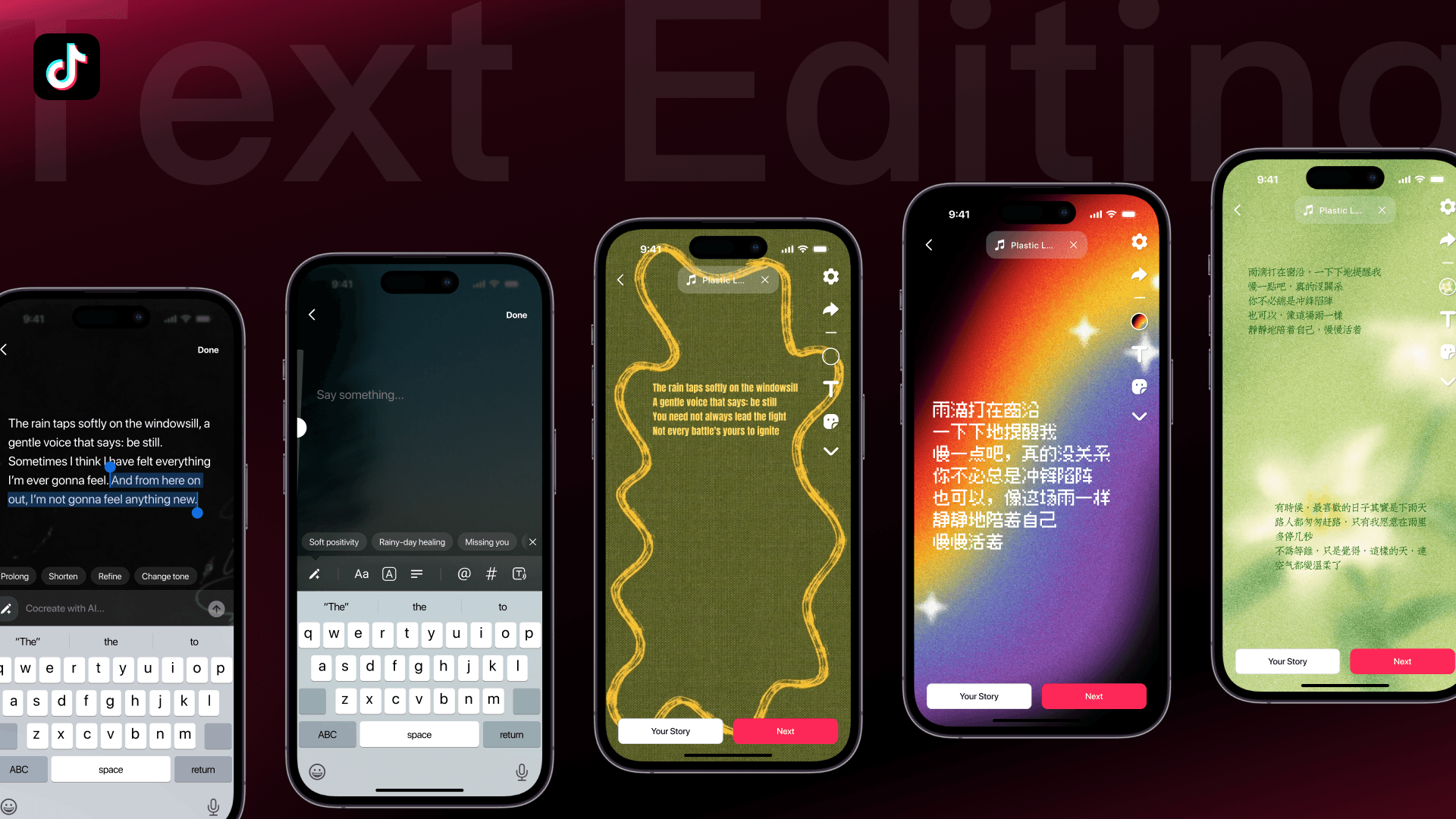
DESIGN CHALLENGE
Optimizing text posts creation experience for TikTok China
For this design challenge, I'm required to optimize the "Text" publishing flow to help users better express themselves and ultimately encourage continuous posting. Combine user needs, product goals, and feasibility to create a design solution that enhances users' creative engagement.

Compared to video and graphic content formats, pure text publishing has a lower creation threshold. Users can publish text content directly on Douyin (TikTok China) without needing to design it in an external app beforehand, attracting more content creators. The information is more concise and clear, suitable for conveying messages more directly and quickly absorbing content in a short time, enriching the content ecosystem.
UGC ANALYSIS
How do users currently share text-centric contents?
I used a new account to continuously browse 600 homepage recommended items, including 499 videos and 101 image posts, finding no pure text content. Thus I searched the keyword "text" instead, filtered 100 text-centric posts, and performed affinity mapping.

The posts are text-heavy and information density is high. 64% are single-page image posts.
Most of them are long essays / prose, recording or sharing personal feelings in poetic ways.
Most are just screenshots without delicate design.
Only 3 posts use the current text post feature, and all of them are functional tutorials.
COMPETITIVE ANALYSIS
How do competitors integrate text based posting features?
I selected social media apps which have a content ecosystem centering on videos or photos as well as text only posting feature—RedNote, Instagram, and Kuaishou, and compared their functions.

All of them are providing a simple or automated process which can deliver a beautiful design.
Community operation strategies can help with encouraging more user engagement in new posting features.
They are all primarily facing general creators without explicitly commercialized channels.
USER INTERVIEW
How do target users create text posts? What are their current painpoints?
6 participants who used Douyin on a daily basis were selected using convenience sampling. I conducted usability testing on the current feature and a follow-up interview. 4 participants (P1, P2, P5, P6) were required to share their daily thoughts, and 2 participants (P3, P4) were required to share long proses.
1
Unattractive default layout & few design options
"There are so few design options, is this any different from plain black-and-white notes?" (P1)
"If I input content related to cherry blossoms, it should automatically recommend cherry blossom-related BGM instead of making me search myself." (P2)
2
Abundant basic usability issues (copy-paste, input limits, etc.)
"Its input and output are different; it can't really enlarge large blocks of text... [although] I still put it in, it won't display in the end." (P3)
3
Hard to immediately think of what to post (usually get inspired by other's posts or templates)
"…because I don't know how to write myself. I just came across other's posts and follow [their style]… I mostly find templates in CapCut and use those texts." (P5)
PAINPOINT SYNTHESIS
High creation barrier
Daily sharing

High priority
Users feel pressured when facing a blank page as they don’t know what to write or how to start
Lack of content guidance and creativity stimulation mechanisms
Low editing flexibility
Daily sharing users
Content creators
High priority
What you see is not what you get, making it hard to intuitively understand editing limits
Easy to misclick; copying and pasting content is difficult
Lack of visual attractiveness
Daily sharing
Medium priority
Dull posting experience with basic editing tools only
Limited text editing features, making it difficult to adjust layout and meet diverse expression needs
Content exposure anxiety
Content creators
Medium priority
Pure text content gets less attention compared to videos and images
Lacks topic and tag features, making it hard to gain more traffic recommendations
🤔
How might we provide a more easy-to-use and engaging text posting experience to lower creation barrier and enrich content ecosystem?
GOALS & SUCCESS METRICS
Stronger user motivation to create
Increase 7-day creator retention for text posts (the proportion of users who publish a text post again within one week after their first post)
Increase text posts publishing penetration (the proportion of daily active users who publish a text post)
Easier publishing process
Reduce the number of steps to complete editing tasks by 30%
Increase publishing conversion for text post
IDEATION
Challenge 1: How to ease creation pressure of "not knowing what to write"?
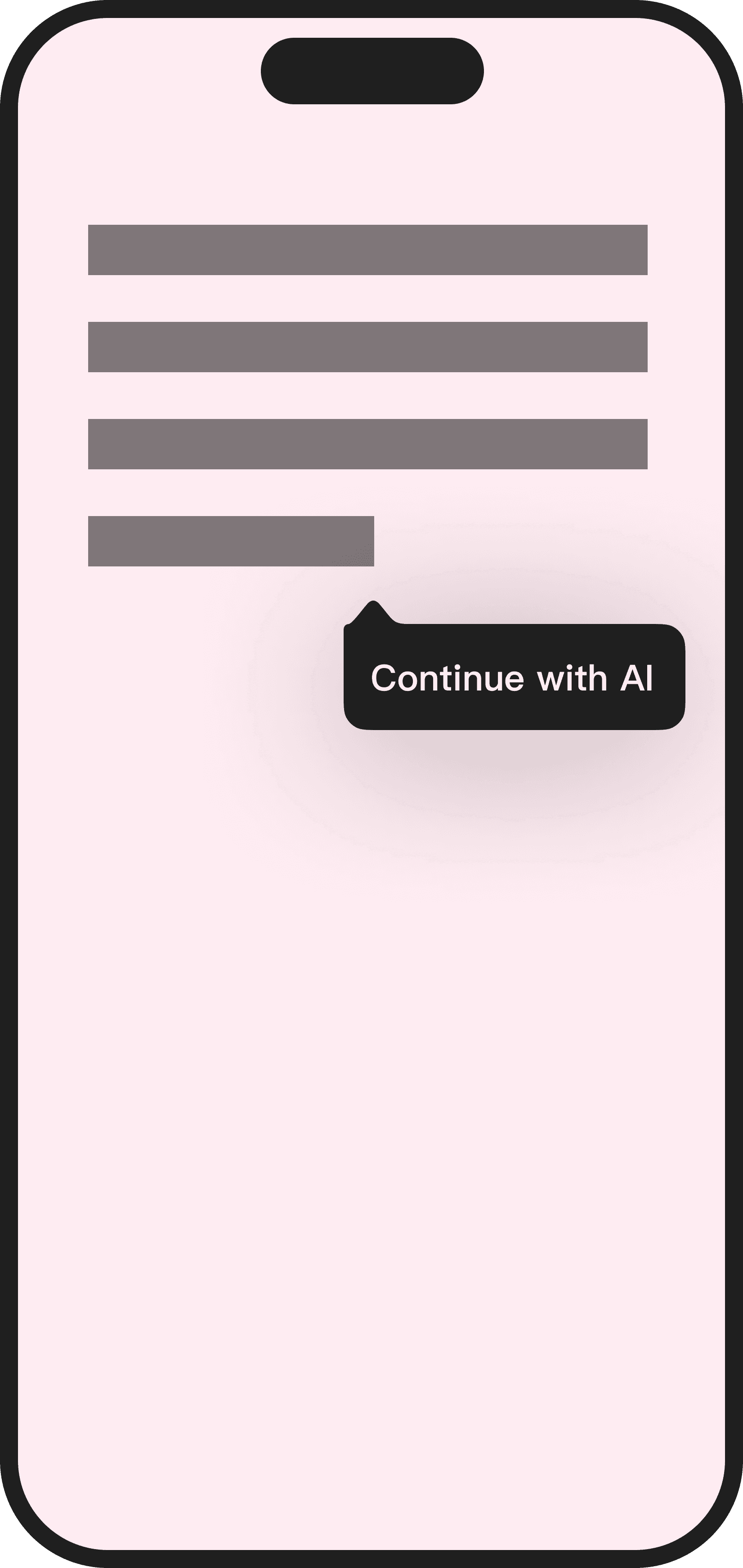
Among the four ideas, AI generation stood out with most potential as it provides more fun and assistance. To address the potential downsides, the AI features should integrate well with other edit features so that users are not simply relying on AI's output but playing with it to create diverse things. Recommending discussion topics, which is more an operation strategy, would be better for subsequent feature iterations.

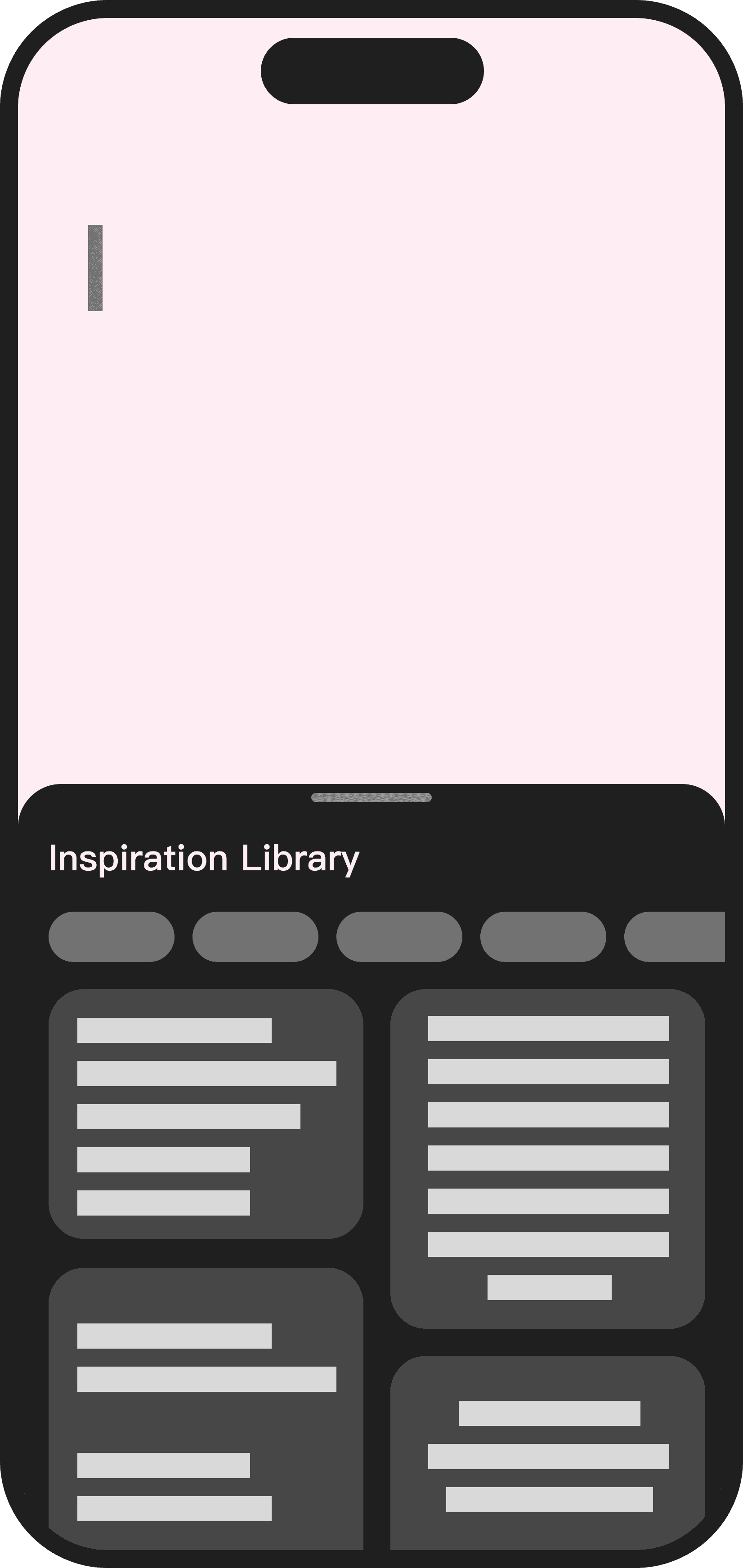

Discussion Topics
Inspiration Library
AI Generation ✅
Continue with AI
😄
Can combine with existing creation promotion strategies to regulate content ecosystem and improve consumption experience
😖
Only provides guidance for post topics, may have limited effect for increasing posting motivation
Might be a one-time boost if without frequent update of recommended topics
😄
Allows one-tap quick complete of creation using the recommended text templates
😖
High maintenance cost, requires regular updates and enrichment of template library
Might weaken user's creative autonomy
Users can currently use similar features in CapCut, so integrating into Douyin might provide little improvement
😄
Aligns with user's shared curiosity on AI's applications
Provides more fun and bigger creation assistance compared to others
😖
Large-scale use may lead to content homogenization on the platform
Might weaken user's creative autonomy
😄
Solves the "writer's block" problem during writing.
😖
Requires real-time analysis and processing, making it a high-cost feature
If suggestions are inaccurate or interrupt user flow, experience worsens
Did not help with the initial creation barrier when no context is provided
Challenge 2: How to handle very long content to increase flexibility and ease of use?
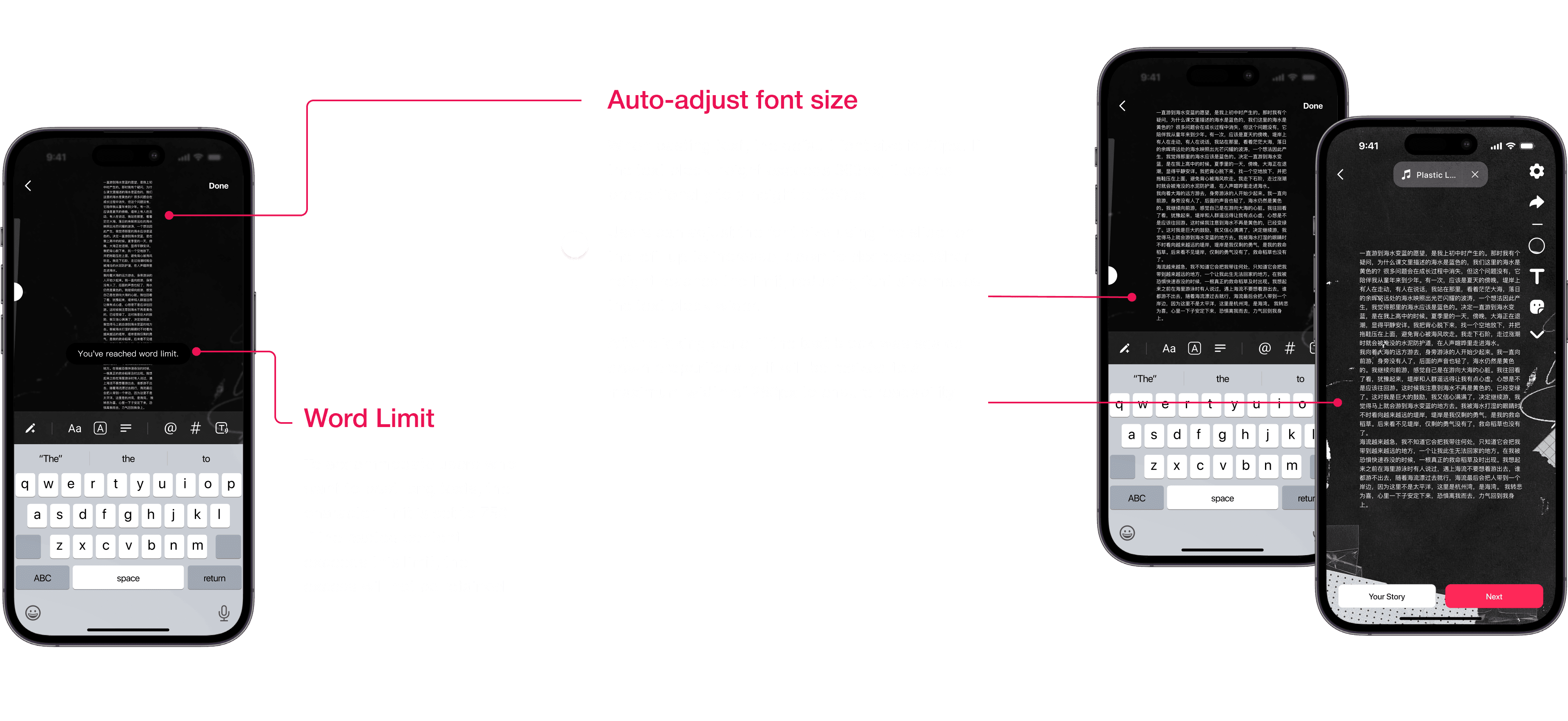
Based on existing UGC analysis, users don't pay much attention to font size and readability when creating content. Therefore, automatically adjusting the font size is the most cost-effective approach. Auto-layout for generated cards is more complex and costly, so it can be an option for future feature extensions rather than the main interaction flow.

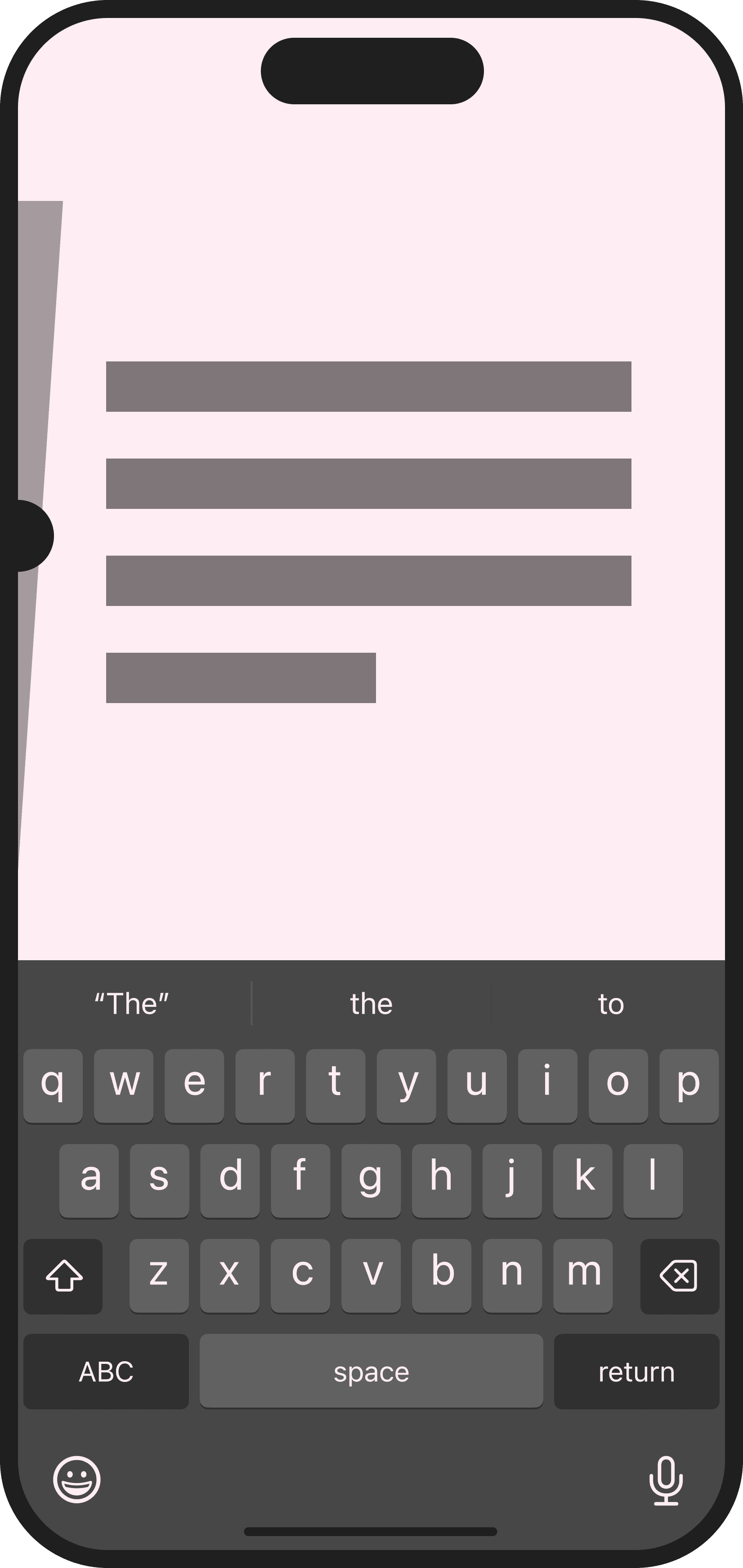

Word count limit warning
Automatic font size adjustment ✅
Auto-layout for generated cards
Turn long text into a scrolling video
😄
Simple and straightforward
Low development cost
😖
Requires constant operation and update
Might limit the scenario of user's creation
😄
Lightweight operation reducing complexity
Relatively easy to implement with good compatibility
More intuitive for users as it aligns with competitors' market-tested interaction paradigms
😖
Over small font size may affect content readability
😄
Optimizes display without losing content
Compatible with photo posts interactive mode
😖
Users need to check paragraphing/formatting on each page
Requires automatic pagination algorithms and card style adaptation mechanisms
😄
Might increase exposure for long articles
😖
Limited applicable scenarios, lower cost-effectiveness
The consumption experience is not really improved
DESIGN SOLUTIONS
Two text posts editing scenarios

AI-assisted creation to ease blank page pressure

AI-assisted creation to ease blank page pressure
AI-assisted creation to ease blank page pressure

WHAT ELSE COULD BE DONE...
1
Enrich visual templates
For this design challenge, I randomly selected the visual templates for prototyping. Yet for a product with huge audience group like TikTok, the default templates should be chosen through combining platform tone with deeper research on user preference and content ecosystem.
2
Integrate community operation strategies
With an established posting framework, creation promotion strategies like topic challenges and one-click layouts can be integrated to further enrich text post creating experience.
3
Triangulate decisions
Throughout the design challenge, I kept wondering, would I arrive at different insights and design decisions if I could get access to large scale user data (compared to small scale UGC audit) and communicate with other stakeholders like PM. In that case, with more input, I might be able to triangulate the assumptions and judgments with real user behaviors and product vision.